Real Flight Simulator
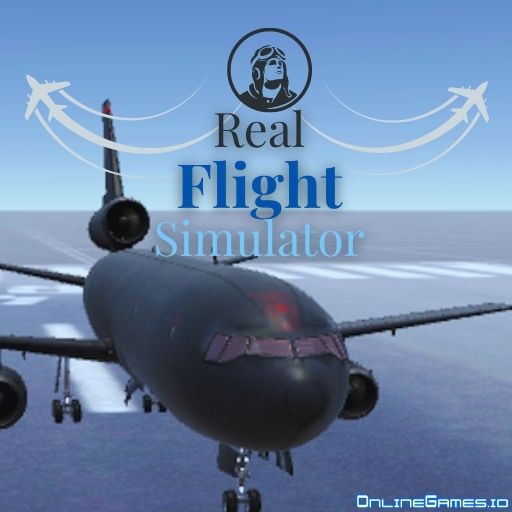
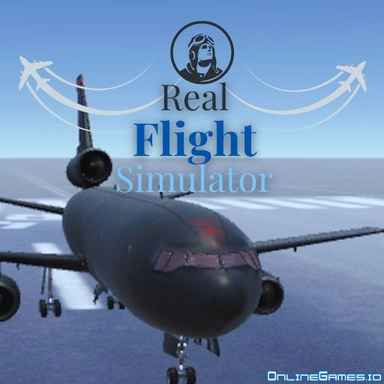
Real Flight Simulator delivers an authentic flying experience right in your browser. Choose from multiple aircraft, take off from different runways, and soar through realistic skies. Whether you want a calm scenic flight or a precision landing challenge, this is your cockpit. No download needed — play free online.
How to Play Real Flight Simulator
Select your aircraft and starting location, then taxi to the runway for takeoff. Control altitude, speed, and direction to navigate the skies. Practice smooth landings and master different aircraft handling characteristics.
- W / Up Arrow — pitch down (nose down)
- S / Down Arrow — pitch up (climb)
- A / D — roll left / right
- Q / E — rudder left / right
- Shift — increase throttle
- Ctrl — decrease throttle
Multiple Aircraft and Airports
Real Flight Simulator includes several aircraft types — from small prop planes to larger jets — each with distinct flight characteristics. Multiple airports give you varied takeoff and landing environments. The game rewards patience and precision: nail smooth landings and long flights to master the full simulator experience.
Frequently Asked Questions
How many aircraft are available in Real Flight Simulator?
The game features multiple aircraft including small propeller planes and jets. Each handles differently, offering a varied flying experience.
Is Real Flight Simulator free?
Yes, Real Flight Simulator is completely free to play online with no sign-up or download required.
Is Real Flight Simulator suitable for beginners?
Yes, although the controls are realistic, the game is accessible to beginners who want to learn the basics of flight simulation.
Also try: Copter.io, Dragon Simulator Multiplayer, Galactic Car Stunts